
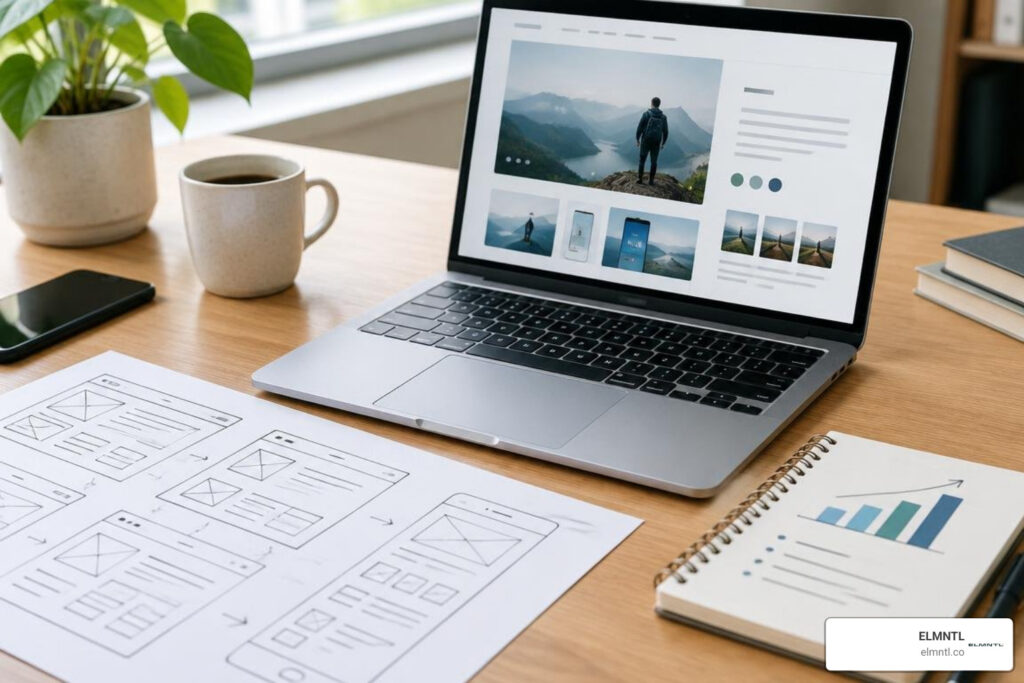
6 Essential Pillars of a Modern Web Designer Portfolio Website
Building a portfolio in 2026 requires more than just uploading flat image mockups to a gallery page. Potential clients and hiring teams evaluate your site as a direct reflection of your technical capabilities, strategic thinking, and aesthetic judgment.
A high-converting portfolio balances aesthetic restraint with rigorous functionality. Every element must serve a purpose, guiding visitors effortlessly from initial impression to project inquiry. Below are the six foundational pillars that elevate a digital showcase from a passive gallery into an active client acquisition engine.
1. High-Impact Hero Section and Personal Branding
Your hero section represents the digital handshake that sets the tone for your entire site. Within the first three seconds, a visitor should understand who you are, what problems you solve, and what type of clients you serve.
Avoid ambiguous taglines that prioritize cleverness over clarity. Instead, pair crisp value propositions with intentional typography that establishes your aesthetic voice immediately. Strong visual identity work involves establishing an irresistible online identity through deliberate color palettes, type pairings, and grid systems.
Your personal brand should reflect professional reliability. Whether you position yourself as a full-stack product designer or a boutique visual specialist, consistent visual hierarchy across your header, headline typography, and sub-copy will communicate maturity and confidence.
2. Deep-Dive Case Studies with Measurable Outcomes
Visual polish captures attention, but strategic depth closes deals. The most effective portfolios replace surface-level screenshot carousels with comprehensive case studies that walk readers through your creative decision-making.
Every case study should follow a clear narrative structure:
- The Challenge: Define the client’s business bottleneck, user pain points, or brand misalignment.
- The Process: Document wireframing, architecture maps, design systems, and user research.
- The Solution: Showcase the final responsive layouts, UI components, and design interactions.
- The Impact: Highlight quantifiable results, such as conversion increases, improved retention rates, or reduced bounce metrics.
Integrating narrative depth taps into the role of storytelling in website design, transforming static interfaces into dynamic stories of creative problem-solving and business growth.
3. Intentional Micro-Interactions and Motion Design
Motion design serves as visual punctuation. When applied with discipline, subtle animations, hover states, and smooth transitions elevate perceived product quality without distracting from core content.
Modern web standards rely on lightweight libraries like GSAP or native CSS transitions to create responsive feedback loops when users interact with navigation items, project cards, and buttons. Studying exemplary UX design practices helps identify how fluid physics and smooth scroll triggers guide user focus down the page naturally.
Always respect user preferences by pairing CSS transitions with prefers-reduced-motion media queries, ensuring motion enhances usability rather than degrading accessibility.
4. Technical Performance and Core Web Vitals
A stunning portfolio loses its power if a prospect bounces before the assets render. Research shows that maintaining a page load time under 2.3 seconds is critical for keeping user engagement high and bounce rates low.
To maintain elite performance standards across devices:
- Convert all imagery to modern formats like WebP or AVIF with explicit dimensional attributes to prevent Cumulative Layout Shift (CLS).
- Implement responsive
srcsetparameters to serve smaller asset payloads to mobile viewports. - Minimize and defer non-critical JavaScript execution to maintain a low Interaction to Next Paint (INP) score.
- Utilize semantic HTML5 structures to ensure clean browser rendering cycles.
Fast load times directly reinforce your reputation as a professional who understands modern web engineering standards.
5. Transparent Project Process and Roadmaps
Clients often experience friction when they do not understand how a designer works from kickoff to delivery. Demystifying your engagement model builds immediate trust and sets clear operational boundaries.
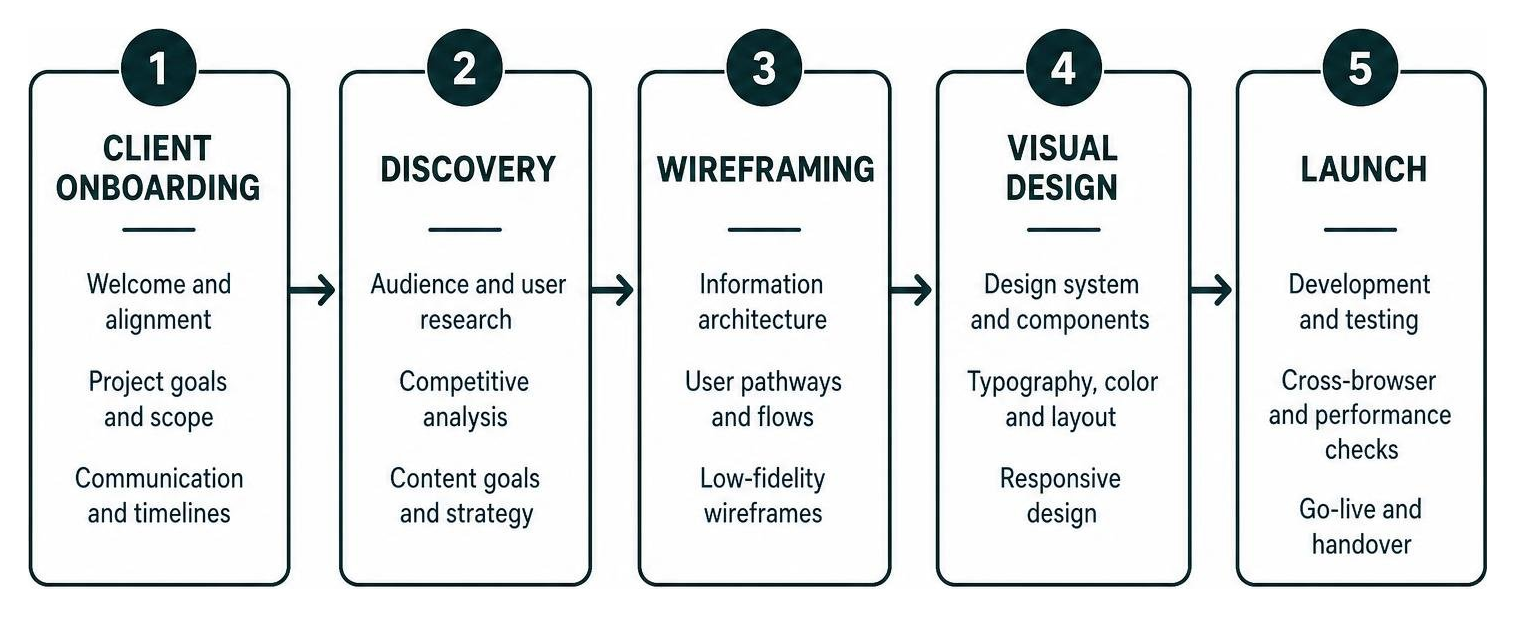
Break your typical collaboration cycle into clear phases:
- Discovery and Strategy: Researching audience targets, competitive landscapes, and content goals.
- Wireframing and UX: Structuring information architecture and user pathways.
- Visual Design and Systems: Developing component libraries, typography, and responsive layouts.
- Development and Testing: Building semantic code, testing cross-browser responsiveness, and verifying performance.
- Launch and Support: Delivering final asset packages, client training, and post-launch maintenance.
Outlining deliverables, communication cadences, and realistic timelines reassures prospective clients that their investment is managed by an organized partner.
6. Seamless Contact Touchpoints and Clear Conversion Paths
Every page on your portfolio should offer an intuitive path toward collaboration. Avoid burying your contact details behind convoluted multi-step forms or obscure icon links.
Provide multiple ways to initiate contact:
- An accessible, direct email link displayed in both the main navigation and the global footer.
- A streamlined inquiry form that requests essential details, such as project scope, timeline, and budget parameters.
- Integrated calendar links for qualifying discovery calls without unnecessary back-and-forth messaging.
- Real-time availability indicators (e.g., “Accepting new projects for Q1”) to create transparent urgency.
Inspiring Minimalist Portfolio Website Examples and What They Do Right
Studying how contemporary designers handle layout, interaction, and content hierarchy provides actionable lessons for your own portfolio build.
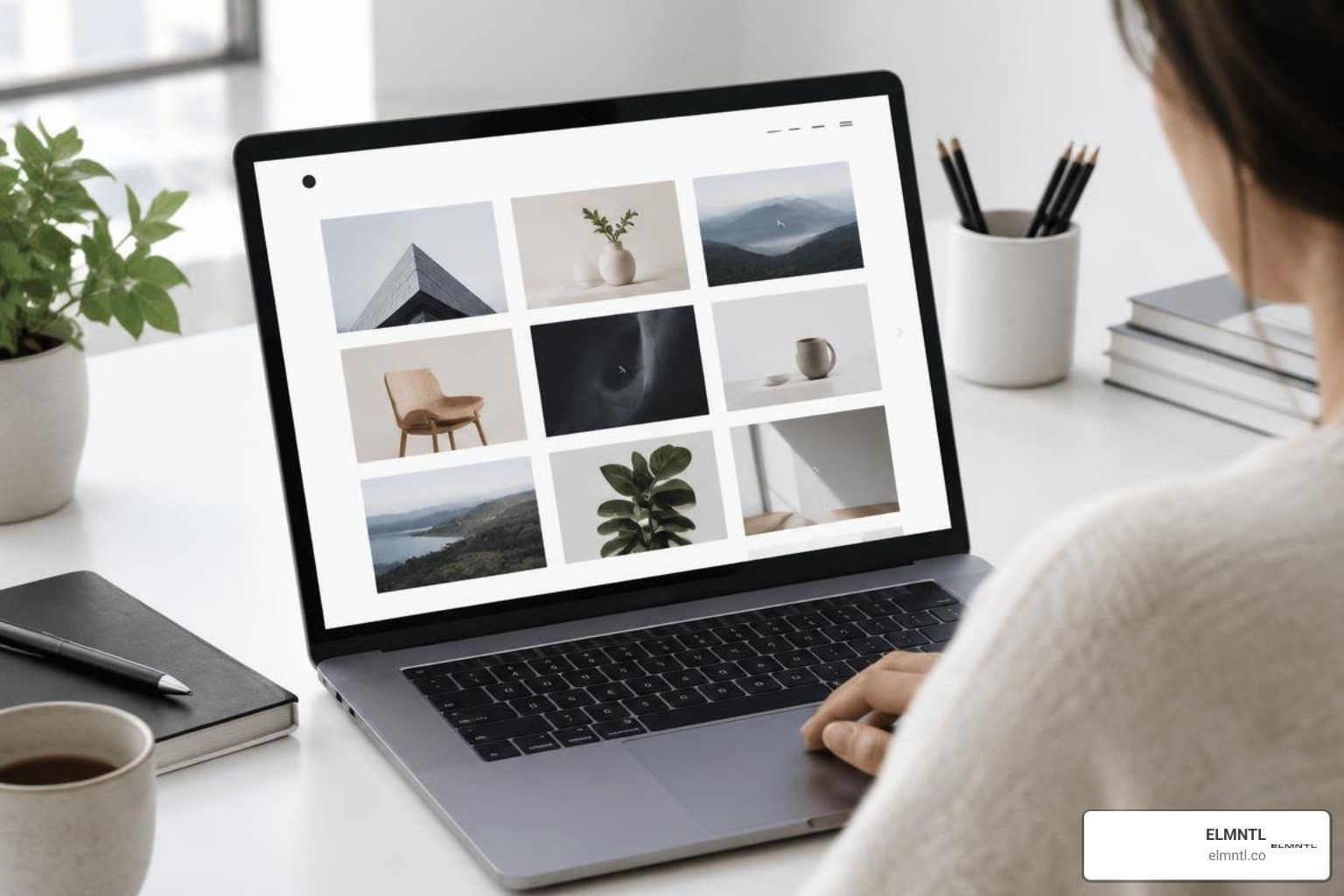
Clean Typography and Grid Precision in a Web Designer Portfolio Website
Minimalist sites rely on rigorous layout systems where whitespace acts as an active design element. By stripping away extraneous decorative graphics, designers let the typographic hierarchy and project imagery command attention.
For example, exploring minimalist typography and structured grids in design portfolios illustrates how clear section breaks, high-contrast typography, and curated project galleries create visual breathing room. Similarly, reviewing developer and designer project presentations demonstrates how hybrid practitioners successfully combine visual UI mockups with live code links and concise technical summaries to establish immediate credibility.
Motion and Interactive Storytelling in a Web Designer Portfolio Website
Interactive storytelling uses dynamic choreography to keep visitors engaged as they scroll through case studies. Rather than relying on static images alone, motion-driven portfolios incorporate kinetic typography, magnetic cursor cues, and smooth page transitions.
Examining creative interactions and dynamic motion showcases highlights how fluid layouts and subtle interactive feedback loops create an expressive brand presence without sacrificing usability. The key is ensuring that all motion serves to clarify user orientation rather than complicate navigation.
Choosing Your Tech Stack: Custom Code vs. CMS and Builders
Selecting the right development foundation depends on your technical comfort, maintenance goals, and workflow requirements.
| Platform Approach | Design Flexibility | Maintenance Overhead | Development Speed | Core Web Vitals Control |
|---|---|---|---|---|
| Custom Code (HTML/CSS/JS) | Total freedom | Low (Static hosting) | Slower setup | Complete native control |
| Visual Builders (Webflow, Framer) | High visual fidelity | Low to medium | Fast deployment | High (Requires asset hygiene) |
| Headless CMS + Modern Framework | Complete custom UI | Medium (API upkeep) | Moderate setup | Excellent (SSR/SSG caching) |
| Traditional CMS (WordPress) | Template dependent | High (Plugin updates) | Fast to moderate | Variable (Needs optimization) |
For designers with coding skills, hand-coding a lightweight static portfolio via GitHub Pages provides full architectural control and zero hosting costs. If you want to explore how other developers format their technical builds, review our curated developer portfolio inspiration to discover effective implementation patterns. If you are just starting out, reviewing foundational principles for web design will help you choose the right balance between custom markup and visual frameworks.
Optimization Best Practices: Accessibility, Technical SEO, and Mobile Responsiveness
A beautiful portfolio must be discoverable, accessible, and responsive across all device classes.
Accessibility (WCAG 2.2 Compliance)
Accessibility is non-negotiable. Ensure your portfolio uses appropriate color contrast ratios (minimum 4.5:1 for standard body copy), visible focus indicators for keyboard navigation, and descriptive alt text for all case study imagery. Screen readers rely on semantic heading structures ( through ) to navigate page content accurately.
Technical SEO and Discoverability
Optimizing your portfolio for search engines requires structured metadata and clean indexation hygiene. Include localized schema markup for professional services, craft unique title tags for individual case studies, and implement Open Graph tags to ensure social shares look sharp. Investing in custom web design development ensures your technical foundation complies with search engine guidelines from the ground up.
Fluid Mobile Responsiveness
Over half of all web traffic originates from mobile devices, and busy hiring managers frequently review portfolio links on their phones. Test your site across varied viewport widths to verify that typography scales smoothly, touch targets remain generous (minimum 44×44 pixels), and horizontal overflow errors are eliminated.
Frequently Asked Questions About Building a Portfolio
How many projects should be featured on a design portfolio?
Focus on featuring three to six comprehensive case studies. Quality and relevance always outperform volume. Curating a smaller collection of your strongest, most relevant projects demonstrates editorial discipline and allows you to present deeper strategic narratives for each client engagement.
How do you balance interactive animations with page speed?
Use modern, hardware-accelerated CSS properties (like transform and opacity) and lightweight animation libraries. Avoid running complex continuous calculations on scroll. Compress all animation assets, implement lazy loading below the fold, and test your site against Core Web Vitals thresholds to verify that visual flair does not hurt performance.
How often should a designer update their portfolio website?
Conduct a quarterly audit of your portfolio to refine copy, update metrics, and replace older projects with more relevant recent work. Keeping your site updated ensures your positioning aligns with your evolving skill set, industry trends, and target clientele.
Conclusion
A minimalist portfolio website acts as your most potent professional asset. By pairing clear positioning, deep strategic case studies, disciplined motion, and robust technical performance, your site will effortlessly convert casual visitors into high-value clients.
If you are ready to elevate your brand presence with high-impact digital experiences, explore our bespoke digital design and development services to see how we help businesses build unforgettable web platforms.